How to Start a Faceless YouTube Channel with AI (2026 Rules)
Disclosure: Some links in this post are affiliate links. If you buy through them, we may earn a commission at no extra cost to you. Learn more.
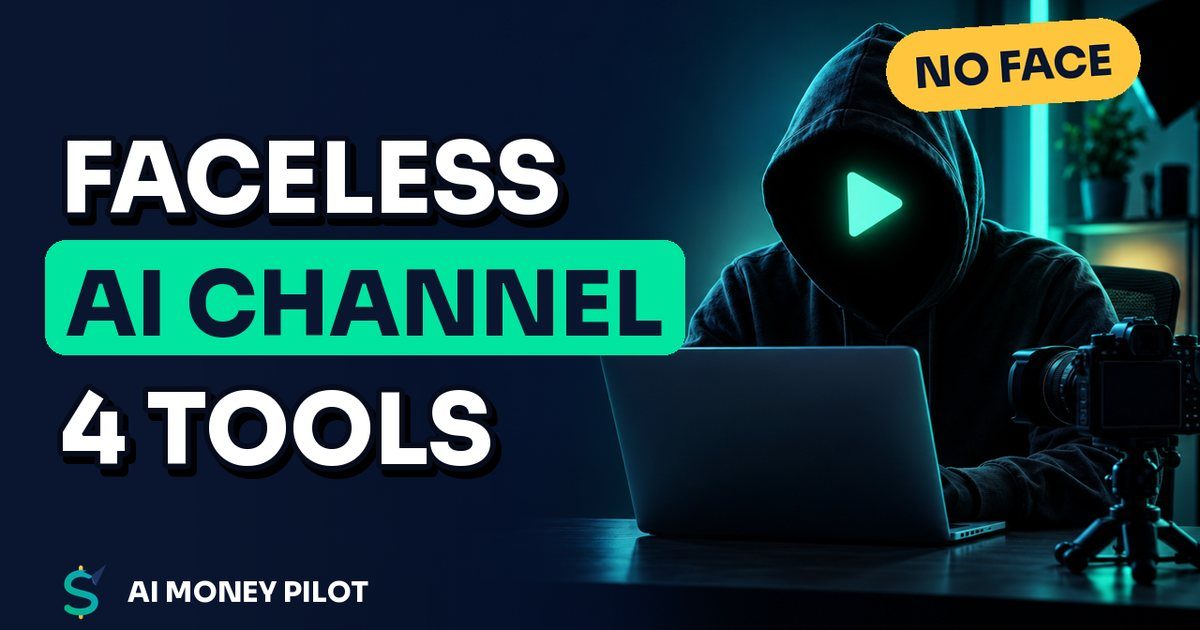
A faceless YouTube channel with AI is a channel where you never appear on camera. AI helps you write scripts, generate a voice-over, and create or edit the visuals, and you make the creative decisions. It's a real way to build a channel. Our own channel, AI Money Pilot, is made this way.
It's also where a lot of people get burned, because YouTube doesn't pay for "AI slop." Below is how to start one step by step, plus the three YouTube policies every AI creator has to understand: AI disclosure, inauthentic content, and the Partner Program changes coming in 2027.
First, the rules: what YouTube allows and rewards
1. AI disclosure
YouTube requires creators to disclose AI-generated or altered content that seems realistic. Its help page lists four cases that must be disclosed:
- A real person appears to say or do something they didn't do.
- Footage of a real event or place is altered.
- A realistic scene is generated that didn't actually happen.
- AI-generated music is the main focus of the video.
You disclose with the "AI use" setting when you upload, and YouTube then labels the video. Clearly unrealistic content (animations, illustrations, obvious mockups) and minor edits generally don't need the label. When in doubt, disclose. It's a label, not a penalty.
2. "Inauthentic content" can't be monetized
On July 15, 2025, YouTube renamed its "repetitious content" policy to "inauthentic content" and clarified that it covers content that is repetitive or mass-produced. YouTube says this kind of content has always been ineligible for monetization, because the Partner Program rewards original, authentic content.
What this means for you: an AI voice is fine, but a channel of near-identical, template-churned videos with nothing added is the exact thing the policy targets. Your channel needs a point of view: real research, your own scripts, useful examples, and editing choices that make each video different.
3. How you get paid (and what changes in 2027)
Today, YouTube's help page says a channel can apply to the YouTube Partner Program (YPP) for ad revenue sharing with 1,000 subscribers plus either 4,000 qualified watch hours in the last 12 months, or 10 million qualified Shorts views in the last 90 days.
YouTube has announced changes that take effect on February 1, 2027:
- New creators applying for ads and Premium revenue sharing will need 8,000 qualified watch hours in the last 365 days, or 20 million qualified Shorts views in the last 90 days. Creators already in YPP aren't affected by the new entry thresholds.
- Shorts revenue sharing will go to channels with 10 million qualified Shorts views over the last 90 days. Channels below that stay in YPP and keep earning from long-form videos.
- YouTube says it's adding new incentive programs, such as bonuses tied to milestones like YouTube Shopping, and that the Fan Funding and shopping entry thresholds stay the same.
The lesson: don't build a channel that only works on Shorts ad revenue. Use Shorts to get discovered, long-form videos for watch time, and other income streams (affiliate links, your own products) from day one.
Step 1: Choose a niche that fits faceless video
Faceless works best where the viewer cares about information, not personality:
- Tutorials and tools: software, AI tools, spreadsheets, design.
- Explainers: history, science, finance basics, "how X works."
- Lists and comparisons: "5 free tools for…," "X vs Y."
- Stories and facts told with illustrations or motion graphics.
Check demand with YouTube's search suggestions: type your topic and note what appears. Phrases like "faceless youtube channel ai tools" and "how to start a faceless youtube channel with ai for free" show what people are actually searching. Pick a niche where you can make 50 different, useful videos, and where products or affiliate programs exist so you have income beyond ads.
Step 2: Write scripts that hold attention
AI drafts quickly, but the hook and structure are yours. A script formula that works for Shorts:
- Hook (first 2 seconds): the payoff or a surprising claim you can back up. "AI can draw your whole coloring book. Here's how to sell it."
- Steps: 3 to 4 short, concrete steps, each on screen for a few seconds.
- Proof or example: show it actually working.
- Call to action + loop: a line that flows back into the first sentence so replays feel natural.
Prompt pattern:
Write a 40-second YouTube Shorts script about [topic] for [audience].
Start with a 1-sentence hook that promises a specific result (no hype, no income claims).
Then 4 numbered steps, max 15 words each. End with a line that loops back to the hook.
Then rewrite it in your own words, check every fact, and cut anything you can't show on screen.
Step 3: Make the voice-over
You can record your own voice (no face needed) or use an AI voice. If you use AI, read the license carefully:
- ElevenLabs lists a free plan with 10,000 credits a month. Its pricing page shows the commercial license starting on the paid Starter plan, so check the current plan terms before you monetize videos voiced on the free plan.
- Whatever tool you use, pick one consistent voice for the channel. Viewers start to recognize it.
- Check pronunciation of brand names and numbers. We transcribe every voice-over and compare it with the script before publishing.
Step 4: Create the visuals
Options from easiest to most original:
- AI video tools like InVideo AI, which turns a prompt or script into a draft video. Its help center says you can use it for free without a card, with limited credits that reset weekly. Edit the draft heavily so it doesn't look like everyone else's.
- Screen recordings of the tool or process you're teaching. These are the most authentic option for tutorial channels.
- Illustrations and motion graphics from AI image tools plus an editor like CapCut or Canva.
- Stock footage, used carefully and with the right license.
For Shorts, keep text big and inside the safe zone (not under the buttons on the right or the caption at the bottom). Since October 15, 2024, YouTube accepts Shorts up to 3 minutes long for square or vertical videos, but 30 to 60 seconds is still easier to make and rewatch.
Step 5: Thumbnails, titles and descriptions
- Title: put the search phrase first, under 60 characters. "AI Coloring Book KDP: Make One With Free AI Tools."
- Thumbnail: one big subject, 3 to 4 words, high contrast. Canva has YouTube thumbnail templates; customize them so your channel has its own look.
- Description: the first line repeats the hook and keyword, then the tools you used (affiliate links clearly disclosed), then 3 to 5 hashtags.
Step 6: Publish on a schedule and review the data
- Start with a rhythm you can keep up, like one Short a day and one long video a week.
- Space uploads out. On a new channel, uploading several videos at once mostly makes them compete with each other.
- After 48 hours, check YouTube Studio: viewed vs. swiped away for Shorts, and audience retention for long videos. Rewrite hooks where people leave in the first seconds.
- Reply to comments. They tell you what to make next.
Step 7: Add income beyond ads from day one
- Affiliate links in descriptions and pinned comments for tools you actually show (always disclosed).
- A free lead magnet (a checklist or template) that collects emails, and later your own digital product. Free tools like systeme.io can host the opt-in page, the emails and the checkout.
- Your own books or courses. For example, we cover how to make and publish an AI coloring book on Amazon KDP.
The faceless AI tool stack (starter version)
| Job | Free or cheap option | Watch out for |
|---|---|---|
| Script | ChatGPT or Gemini (free plans) | Fact-check everything |
| Voice | Your own voice, or an AI voice tool | Commercial license on the plan you use |
| Visuals | InVideo AI (free weekly credits), screen recordings, Canva | Editing enough to be original |
| Thumbnails | Canva Free | Readable at phone size |
| Funnel / email | systeme.io free plan | Its contact and sales limits |
FAQ
Can faceless AI channels get monetized?
Yes, if the content is original and valuable. YouTube's inauthentic-content policy makes mass-produced, repetitive videos ineligible for monetization, so add real research, original scripts and distinct editing to every video.
Do I have to label AI videos on YouTube?
You must disclose AI-generated or altered content that seems realistic: a real person saying something they didn't, altered real events or places, realistic scenes that didn't happen, or AI music as the main focus. Clearly unrealistic animations and minor edits generally don't need it.
How many subscribers do I need to make money on YouTube?
Currently, 1,000 subscribers plus 4,000 watch hours in 12 months or 10 million Shorts views in 90 days for ad revenue sharing. From February 1, 2027, new applicants need 8,000 watch hours in 365 days or 20 million Shorts views in 90 days.
Is an AI voice allowed on YouTube?
YouTube's policies don't ban AI voices. What matters is that the content is original, isn't misleading, and that you have a license from the voice tool that covers commercial use.
How long should a faceless Short be?
Shorts can be up to 3 minutes since October 15, 2024, but 30 to 60 seconds with a strong 2-second hook is the easiest place to start.
Sources
- YouTube Help: Disclosing use of GenAI content
- YouTube Help: Channel monetization policies (inauthentic content update, July 15, 2025)
- YouTube Help: YouTube Partner Program overview and eligibility
- YouTube Blog: New opportunities to earn and changes to the YouTube Partner Program (effective February 1, 2027)
- YouTube Blog: Tall updates coming to Shorts (Shorts up to 3 minutes)
- ElevenLabs pricing (free plan credits, commercial license)
- InVideo Help: Can I use invideo AI for free?